
In this post i am going to show the fix for the no audio problem in kali linux
1
2
3
sudo apt install pulseaudio -y
systemctl --user enable pulseaudio
systemctl --user start pulseaudio
Install pulseaudio and start the pulseaudio
Make sure NOT to start pulseaudio using sudo
In my this command works when command runs after a reboot i need to start pulseaudio mannualy
SO
We are going to make this command at the boot
To run command at the boot
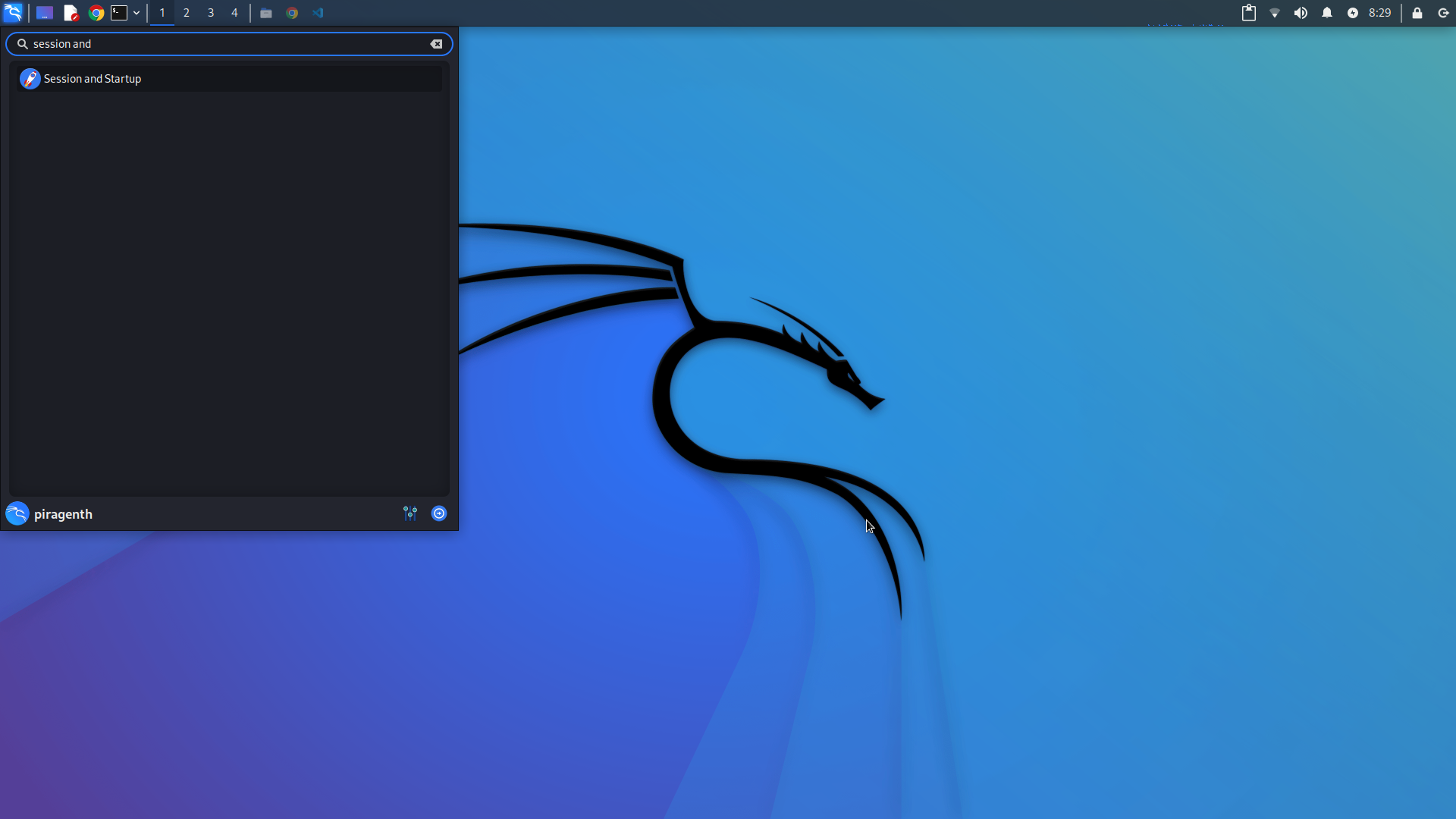
Under the Application and Autostart
Click add and enter name,description
For the command type
1
systemctl --user start pulseaudio
and click ok then reboot It should work now!